

7 Reasons Your Phone Keeps Restarting & How We Diagnose It
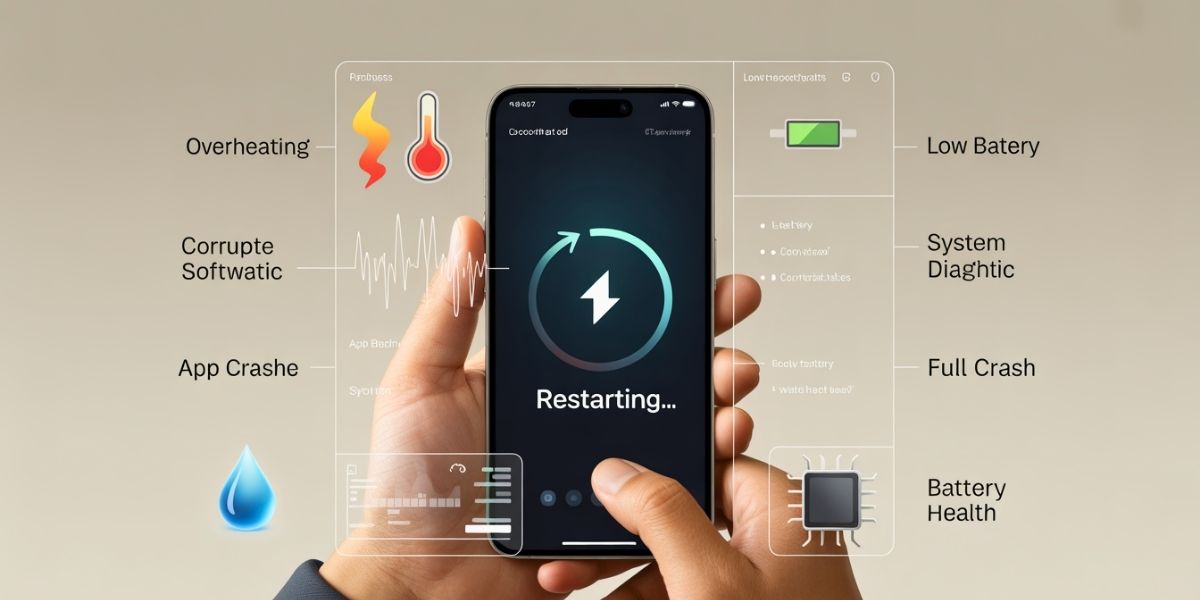
A smartphone that reboots repeatedly can disrupt daily routines and cause serious frustration. Many users report situations where a phone keeps restarting during calls, app usage, or even while sitting idle. These interruptions often signal deeper system or hardware concerns that require careful attention rather than quick fixes.
Smartphone reboot problems rarely appear without cause. Power delivery, software stability, internal components, and environmental factors all influence device behaviour. Let’s have a detailed look at the most common causes behind repeated restarts and discuss how professionals diagnose phone restarting patterns accurately.
How Restart Loops Develop
Phones restart as a protective response when internal systems detect instability. This may involve temperature spikes, memory errors, or power fluctuations. When the device cannot recover automatically, repeated restarts follow.
Restart loops differ from standard crashes. A crash usually closes an app, while continuous reboots interrupt the entire system. Identifying patterns helps technicians isolate the root cause efficiently.
1. Battery and Power-Related Causes
Degraded Battery Performance
Ageing batteries struggle to deliver consistent voltage. Sudden drops in power trigger system resets, especially during processor-heavy activity. This remains one of the most frequent reasons a phone keeps restarting unexpectedly.
Battery diagnostics reveal capacity decline, voltage irregularities, and charging instability. Replacing the battery often resolves these reboot cycles quickly.
Faulty Charging Components
Damaged charging ports or worn cables interrupt power flow. Even brief disruptions can force a reboot. Power instability during charging often points toward internal connector issues rather than software faults.
2. Software and System Conflicts
Corrupted Operating System Files
System updates interrupted during installation leave corrupted files behind. These errors interfere with boot sequences and background processes. Devices may restart repeatedly when essential services fail to load correctly. Reinstalling the operating system under controlled conditions often restores stability. This process forms a key part of efforts to diagnose phone restarting accurately.
Incompatible Applications
Some applications conflict directly with system resources. Poorly optimised apps consume memory aggressively, causing forced reboots. These issues commonly appear after installing new software or updates. Safe mode testing helps identify problematic apps without data loss.
3. Overheating and Thermal Stress
Heat Management Failures
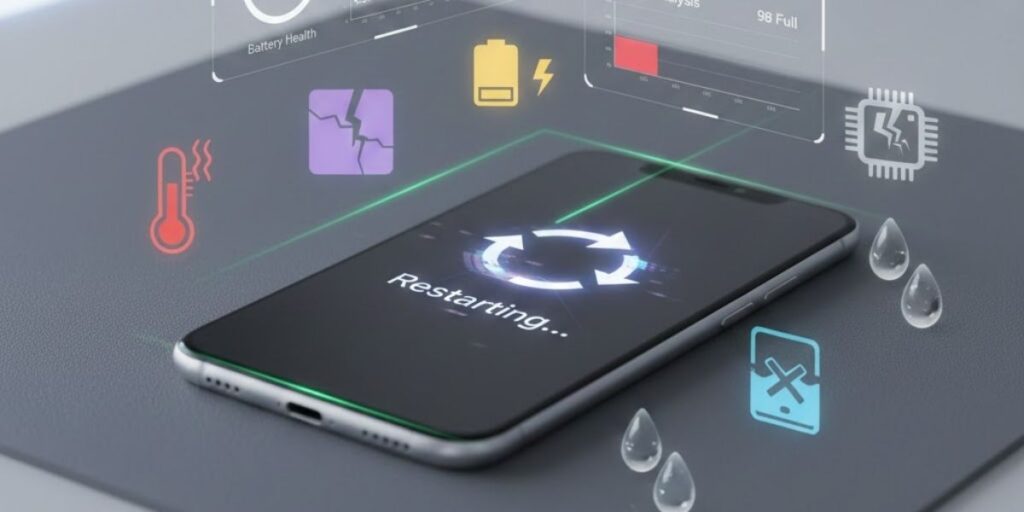
Smartphones contain thermal safeguards designed to protect internal components. Excess heat triggers automatic shutdowns or restarts. Overheating often results from blocked ventilation, prolonged gaming, or environmental exposure.
Thermal sensors provide valuable data during diagnostics. Cooling system performance plays a vital role in identifying smartphone reboot problems linked to temperature stress.
4. Storage and Memory Issues
Insufficient Storage Capacity
Low storage space restricts system operations. Background processes struggle to function, leading to instability. Phones experiencing frequent restarts often show critically low storage levels. Clearing unnecessary files improves system responsiveness and reduces restart frequency.
RAM Malfunctions
Faulty memory modules disrupt data handling. When the system cannot access memory correctly, it forces a reboot. Hardware testing tools detect memory faults during professional diagnostics.
5. Physical Damage
Internal Component Displacement
Drops or impacts loosen internal connections. Even minor shifts affect power delivery and signal flow. Restart loops often follow physical trauma, even when screens remain intact.
Technicians inspect internal seating during diagnosis to rule out hardware displacement.
6. Environmental Causes
Moisture Exposure
Moisture corrodes connectors and circuits gradually. Early symptoms include random reboots before more severe damage appears. Moisture indicators assist technicians during assessment.
7. Network and Connectivity Triggers
Signal Fluctuations
Poor network conditions stress radio components. Devices constantly switching signals consume additional power, leading to instability. Restarting may occur during calls or data usage.
Testing under controlled signal conditions helps isolate connectivity-related causes.
How Professionals Diagnose Restart Issues
Structured Diagnostic Process
Professionals follow systematic testing sequences rather than guessing. Battery health analysis, software integrity checks, thermal monitoring, and component inspections form the foundation of accurate diagnosis.
This structured approach helps fix phone random restarts efficiently rather than masking symptoms temporarily.
Advanced Diagnostic Tools
Specialised software tools monitor voltage flow, memory usage, and crash logs. Hardware testing equipment evaluates component performance under load. These tools reveal patterns invisible to users.
Repair Options Based on Diagnosis
Targeted Component Replacement
Once the root cause is identified, technicians replace only the affected parts. This approach avoids unnecessary expense and restores stability faster. Battery replacements, connector repairs, or internal reseating resolve most reboot problems effectively.
Software Restoration
System resets performed professionally protect user data while restoring operating system integrity. Controlled reinstalls correct corrupted files and configuration errors safely.
Early Warning Signs
Unexpected Performance Drops
Sudden slowdowns during routine tasks often signal internal strain. Apps may take longer to open, screens may freeze briefly, or touch response may feel delayed. These changes suggest system resources are under pressure and stability risks are rising.
Device Heating During Light Use
Heat generation during basic activities such as messaging or browsing indicates abnormal power behaviour. Persistent warmth points toward battery stress, processor overload, or background system faults that commonly trigger restart cycles.
Rapid Battery Percentage Loss
Sharp drops in battery level over short periods often appear before random restarts. This pattern reflects power delivery issues that disrupt normal operation and lead to forced reboots.
Frequent App Crashes
Repeated application failures hint at memory conflicts or corrupted system files. Left unchecked, these faults spread across the operating system and cause broader instability.
Intermittent Restarts Increasing Over Time
Occasional reboots that grow more frequent indicate worsening internal conditions. Early professional attention limits further component damage.
Professional mobile phone repairs address small faults before they escalate into serious failures.
Summing It Up
Repeated restarts indicate underlying issues that deserve attention. Understanding why a phone keeps restarting helps users take informed action rather than relying on temporary fixes. Accurate diagnosis remains the key to lasting solutions. Professional assessment identifies the precise cause behind smartphone reboot problems and applies targeted repairs. For dependable service and expert diagnostics, Fone Tech York offers experienced technicians and advanced testing methods designed to restore device reliability. Visit our tech repair shop in York today for trusted support and effective repair solutions.

Leave a Reply