

Smartwatch Sleep Tracking & Care: What You Should Know
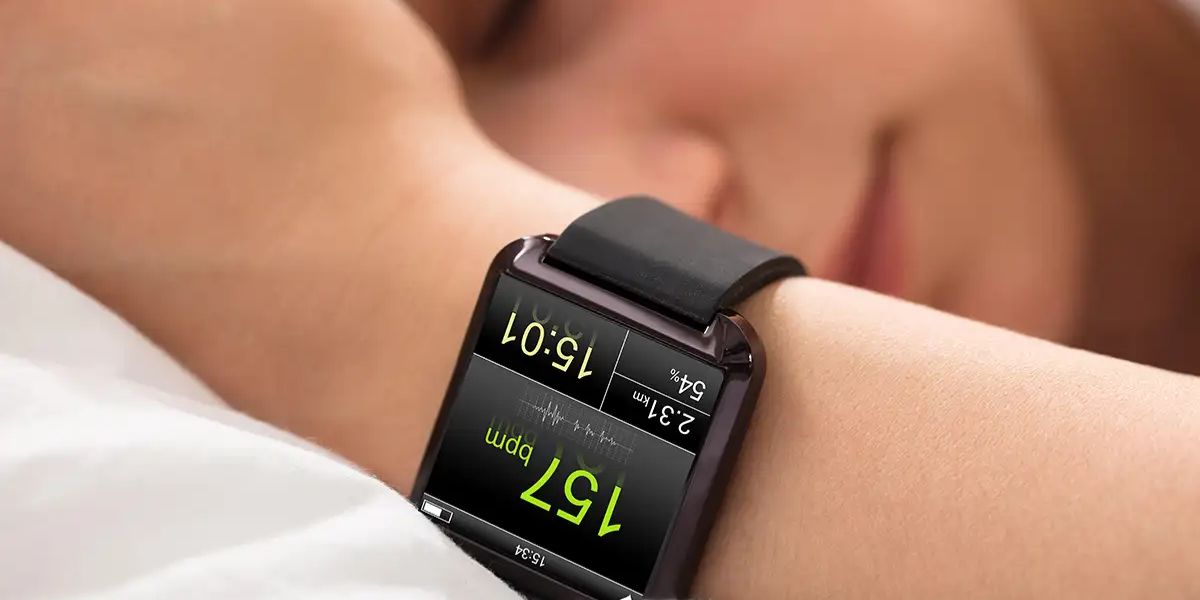
Ever find yourself tossing and turning, only to wake up feeling exhausted? You’re not alone. Millions struggle with sleep issues, from stress to irregular schedules. That’s where your smartwatch sleep tracking comes in. It gives you real insights into your nights, helping you make small changes for massive improvements. Picture this: no more guessing why you’re knackered. Your wrist-worn gadget tracks everything, motivating you to prioritise rest.
We will cover how sleep tracking works on a smartwatch, key metrics, accuracy, and pro tips. Plus, keep your device in top shape with essential care advice. Let’s get you sleeping soundly!
How Sleep Tracking Works on a Smartwatch?
Curious about the tech behind it? Your smartwatch doesn’t read your mind; it uses clever sensors and algorithms.
Sensors at the Heart of It
At its core, your smartwatch uses sophisticated sensors such as an accelerometer and gyroscope to accurately detect and monitor your movements throughout the day and night. Minimal fidgeting typically indicates that you are in a deep sleep cycle, while sudden jerks or movements often mean you are awake or slightly stirring.
Additionally, the device tracks your heart rate by shining green light into your skin using optical sensors. It also measures heart rate variability (HRV), which shows tiny changes between beats and helps assess stress levels and recovery. Many models measure blood oxygen and skin temperature for health insights.
Smart Algorithms Crunch the Data
Once collected, proprietary algorithms that are unique to brands like Apple, Garmin, or Fitbit analyse various patterns in your data. These algorithms estimate different sleep stages, such as light sleep, which is easy to wake from; deep sleep, which is restorative; and REM sleep, associated with dreaming.
Garmin, for example, combines data such as heart rate variability (HRV), heart rate, and movement to provide more precise staging. Additionally, Samsung and Apple devices can flag potential sleep apnoea risks by detecting breathing disruptions during sleep.
Essential Sleep Metrics Your Smartwatch Delivers
Your watch spits out data that paints a full picture. Here’s what to focus on:
Sleep Stages Breakdown
- During a typical night, light sleep accounts for about 50 to 60% of your sleep cycle, involving lighter transitions between sleep stages.
- Deep sleep, comprising 15 to 25%, is when your body undergoes essential repairs and restoration.
- REM sleep, making up 20 to 25%, serves as the critical time for brain recharge.
- Minimising awake periods and sleep interruptions can enhance overall sleep quality and restorative benefits.
HRV and Recovery Scores
Higher HRV means better recovery. Garmin’s score predicts your readiness for the day.
SpO2 and Breathing Quality
Dips below 90% could signal issues, great for spotting apnoea early.
These metrics turn raw data into actionable advice, like “Aim for bed by 10pm.”
Just How Accurate Is Smartwatch Sleep Tracking?
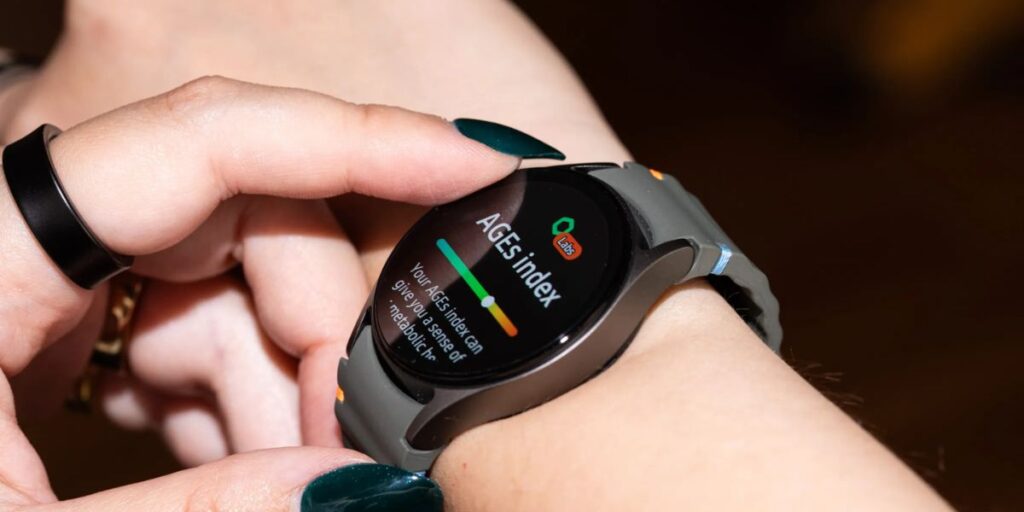
Honest answer: these wearables are pretty good, although they’re not perfect. Research indicates that devices like these can estimate total sleep time with an accuracy of about 80 to 90%, typically overestimating by 10 to 20 minutes. When it comes to distinguishing sleep stages, light, deep, and REM, the accuracy drops to around 70 to 80% when compared to gold-standard lab tests, called polysomnography.
Notably, Fitbit Sense 2 and Google Pixel Watch excel at detecting deep sleep patterns. While they’re great for tracking trends and making everyday adjustments, they shouldn’t replace professional diagnosis for sleep disorders; always consult a healthcare provider for that.
Your Smartwatch Sleep Tracking Guide
Ready to maximise accuracy? Follow this smartwatch sleep tracking guide:
- Wear your fitness tracker snugly: leave one finger of space between the watch and your wrist to ensure accurate heart rate readings.
- Maintain a consistent sleep schedule by going to bed at the same time each night and tracking your sleep patterns over weeks to identify trends.
- When charging your device, do so before bed, keeping the battery full without overnight charging.
- Enable sleep mode to silence notifications and dim the screen during rest.
- Always update your device’s software for improved performance.
- Consider wearing the device on your non-dominant wrist for better accuracy.
- Log habits like caffeine intake and exercise in the app to monitor their effects on your health.
Users report 20% better sleep scores in a month. You can too!
Smartwatch Maintenance Tips for Long-Lasting Performance
Your tracker only shines if it’s tip-top. Here’s your smartwatch maintenance tips checklist:
- Daily Cleaning: Use a microfiber cloth to clean your device. For sweat and dirt, use mild soap and rinse.
- Software Updates: Conduct weekly checks to ensure your device runs smoothly and prevent glitches.
- Battery Care: Charge your battery between 20 to 80% and avoid extreme temperatures.
- Avoid Extremes: Keep your device away from saunas, freezing cars, and chemicals like perfume and sunscreen.
- Screen Protector: Install a screen protector to prevent scratches.
- Water Check: Know your device’s IP rating, and rinse and dry it after swimming to maintain water resistance.
Spot issues like erratic tracking? Head to a reliable smartwatch repair shop, such as Fone Tech York, for quick fixes. We’re pros at getting you back on track.
Pitfalls to Dodge for Reliable Tracking
Don’t make these errors:
- Charging overnight can cause heat to warp your data, leading to inaccuracies.
- A loose fit reduces precision, while ignoring updates means missing important nuances in your software.
- Obsessing daily prevents you from seeing broader weekly trends.
Frequently Asked Questions
1. Can any smartwatch track sleep accurately?
Most modern ones (Apple Watch Series 10, Galaxy Watch 7, Garmin Venu 3) do well for trends. Pick based on your needs: Garmin for athletes, Fitbit for basics.
2. Does wearing a smartwatch to bed harm sleep?
Not comfortable. Start with a breathable band; most adapt quickly.
3. How do I improve deep sleep per my watch?
Exercise daily, cut evening screens, and keep the bedroom cool (16-18°C). Track progress.
4. What if my smartwatch overestimates sleep time?
Common, focus on quality scores and how you feel. Cross-check with a sleep diary.
Final Thoughts
There you have it, your comprehensive toolkit for optimising your smartwatch sleep tracking and overall sleep care. By understanding how the technology works, applying helpful tips, and regularly maintaining your device, you’ll be well-equipped to unlock more restorative and restful nights. Remember, by using your device consistently, you can identify patterns that lead to increased energy and better well-being. Worried about smartwatch water damage repair? Don’t stress, Fone Tech York offers fast, expert service to revive your watch. Swing by our shop today!

Leave a Reply