

Why Some iPhones Turn Off at 30% & How to Fix It
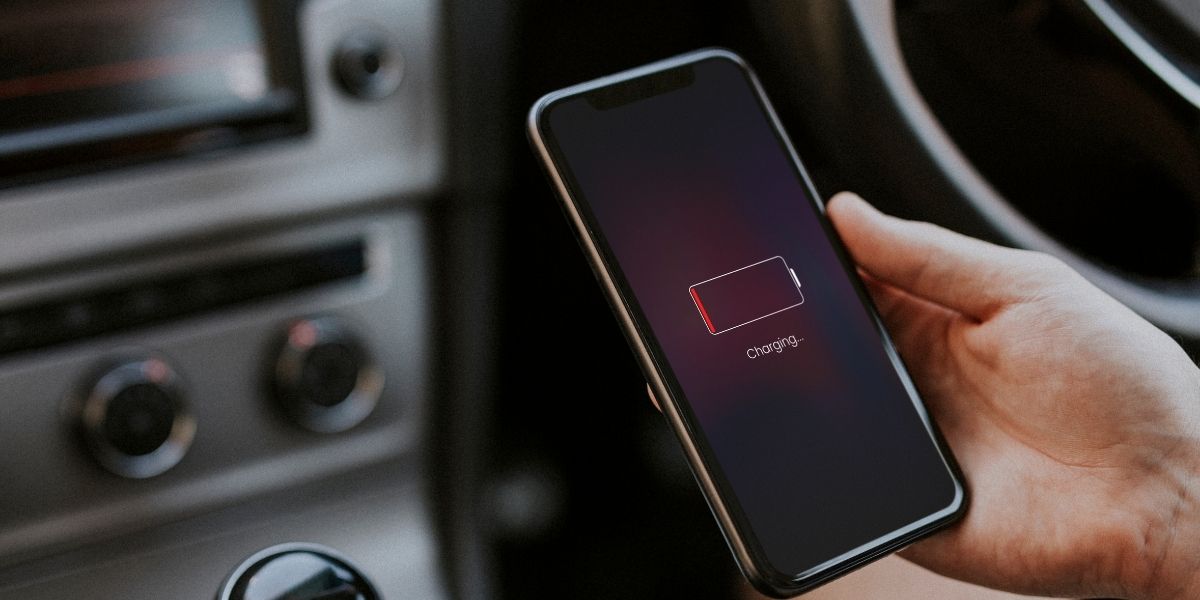
Unexpected shutdowns frustrate even the most loyal iPhone users. One moment, the battery indicator shows remaining charge, and the next, the screen goes black. This behaviour often appears around the same level, leading many users to search for answers when their iPhone shuts down at 30%. The issue affects daily productivity, communication, and overall device reliability.
Battery-related problems rarely stem from a single cause. Software behaviour, battery health, and usage patterns all influence power performance. This iPhone troubleshooting guide explains why sudden shutdowns occur and outlines practical steps users can take to regain stability and confidence in their devices.
Understanding How iPhone Battery Readings Work
Battery Percentage and Power Delivery
Battery percentages rely on software calculations rather than direct measurement. iPhones estimate remaining power based on voltage output, usage patterns, and battery condition. When a battery ages, its ability to deliver stable voltage declines even if the percentage reading appears acceptable.
As a result, the phone may power off suddenly when demand rises, such as when opening apps or using mobile data. This behaviour creates the impression of remaining charge even though the battery cannot sustain performance.
Lithium-Ion Battery Degradation
All iPhones use lithium-ion batteries, which naturally degrade over time. Repeated charge cycles reduce chemical capacity, affecting reliability. Cold temperatures, frequent fast charging, and heavy usage accelerate this process. Once degradation reaches a certain point, the battery struggles to maintain consistent voltage. This inconsistency often causes shutdowns around similar percentage levels.
Common Causes Behind Sudden Power Loss
Battery Health Decline
Battery health plays a central role in unexpected shutdowns. Apple includes a Battery Health feature that reports maximum capacity compared to a new battery. Lower percentages indicate reduced performance capability. When health declines significantly, the phone may misjudge remaining power. This miscalculation leads to sudden shutdowns, particularly during processor-intensive tasks.
Software Calibration Errors
Software occasionally loses accurate reference points for battery capacity. This mismatch causes the percentage display to drift away from actual performance levels. An iPhone battery calibration fix often resolves such inconsistencies. Calibration issues tend to appear after operating system updates, prolonged charging habits, or extended periods of low battery usage.
Background App Activity
Certain apps continue consuming power in the background. Location services, media streaming, and navigation tools increase energy demand. If the battery already struggles to deliver power, these activities trigger shutdowns faster. Monitoring background usage provides insight into patterns that contribute to power instability.
Signs That the Battery Requires Attention
Frequent Shutdowns at Similar Levels
Consistent power loss around the same percentage suggests underlying battery performance issues rather than random glitches. This pattern often points toward degradation or calibration problems.
Rapid Percentage Drops
If the battery percentage falls quickly after unplugging, internal capacity has likely declined. Sudden drops combined with shutdowns reinforce the need for corrective action.
Sluggish Performance Before Shutdown
Phones sometimes slow down before powering off. This slowdown reflects the system’s attempts to manage power output. When these measures fail, the device shuts down abruptly.
Practical Steps to Address Power Problems
Perform a Battery Calibration Process
An effective iPhone battery calibration fix helps realign software readings. The process involves draining the battery fully until the phone powers off, followed by uninterrupted charging to 100%. After reaching full charge, keeping the phone connected briefly helps stabilise readings. Repeating this process once can improve accuracy and reduce unexpected shutdowns.
Review Battery Health Settings
Checking Battery Health provides insight into capacity levels. If maximum capacity falls significantly below optimal levels, replacement becomes a practical solution. Apple recommends battery replacement once performance degrades noticeably. Third-party repair services also provide reliable alternatives.
Update iOS Regularly
Software updates include power management improvements and bug fixes. Installing the latest version helps address known power issues. Users should also review the update notes related to battery performance.
Limit Resource-Heavy Apps
Reducing background activity conserves power. Turning off unnecessary background refresh and location services reduces strain on ageing batteries. Managing notifications and closing unused apps also contributes to smoother performance.
Adjust Display and Connectivity Settings
Lower screen brightness and shorter auto-lock durations reduce power draw. Disabling Bluetooth or Wi-Fi when unused helps preserve energy.
These adjustments form part of broader iPhone power issue solutions that support longer battery stability.
When Battery Replacement Becomes Necessary
Recognising Replacement Timing
Calibration and usage adjustments provide temporary relief. However, severely degraded batteries require replacement. Symptoms such as frequent shutdowns, rapid draining, and overheating signal this need clearly.
Battery replacement restores voltage stability and improves daily reliability.
Professional Replacement Options
Seeking professional support provides peace of mind. Trusted providers of mobile phone repairs in the UK, like Fone Tech York, offer diagnostic testing and certified battery replacements. These services help restore device performance safely.
Preventing Future Battery Issues
Adopt Healthy Charging Habits
Avoid leaving phones connected to chargers overnight regularly. Charging between moderate levels supports battery longevity. Extreme charging habits accelerate wear. Using certified charging accessories also reduces stress on internal components.
Monitor Battery Usage Trends
Regularly reviewing battery usage statistics highlights problematic apps or behaviours. Early adjustments reduce long-term degradation. These proactive steps strengthen overall device reliability and reduce unexpected power interruptions.
Final Thoughts
Sudden shutdowns disrupt daily routines and undermine device trust. Understanding why an iPhone shuts down at 30% empowers users to take corrective action confidently. Calibration, usage adjustments, and timely battery replacement remain the most effective responses.
This iPhone troubleshooting guide highlights practical solutions that restore reliability and extend device lifespan. When professional assistance becomes necessary, trusted repair specialists offer dependable support and quality replacements. For users seeking expert help for iPhone repairs in York, Fone Tech York provides reliable diagnostics and repair services designed to restore iPhone performance efficiently. Visit today for professional advice and dependable repair solutions that keep your device running smoothly.

Leave a Reply